 SarkariResultHome.com
UP Qualification Required Admit Card 2026 Out: How to Download
Written by Brijesh on 17 Nov 2026 · Organisation: UP · State: All India
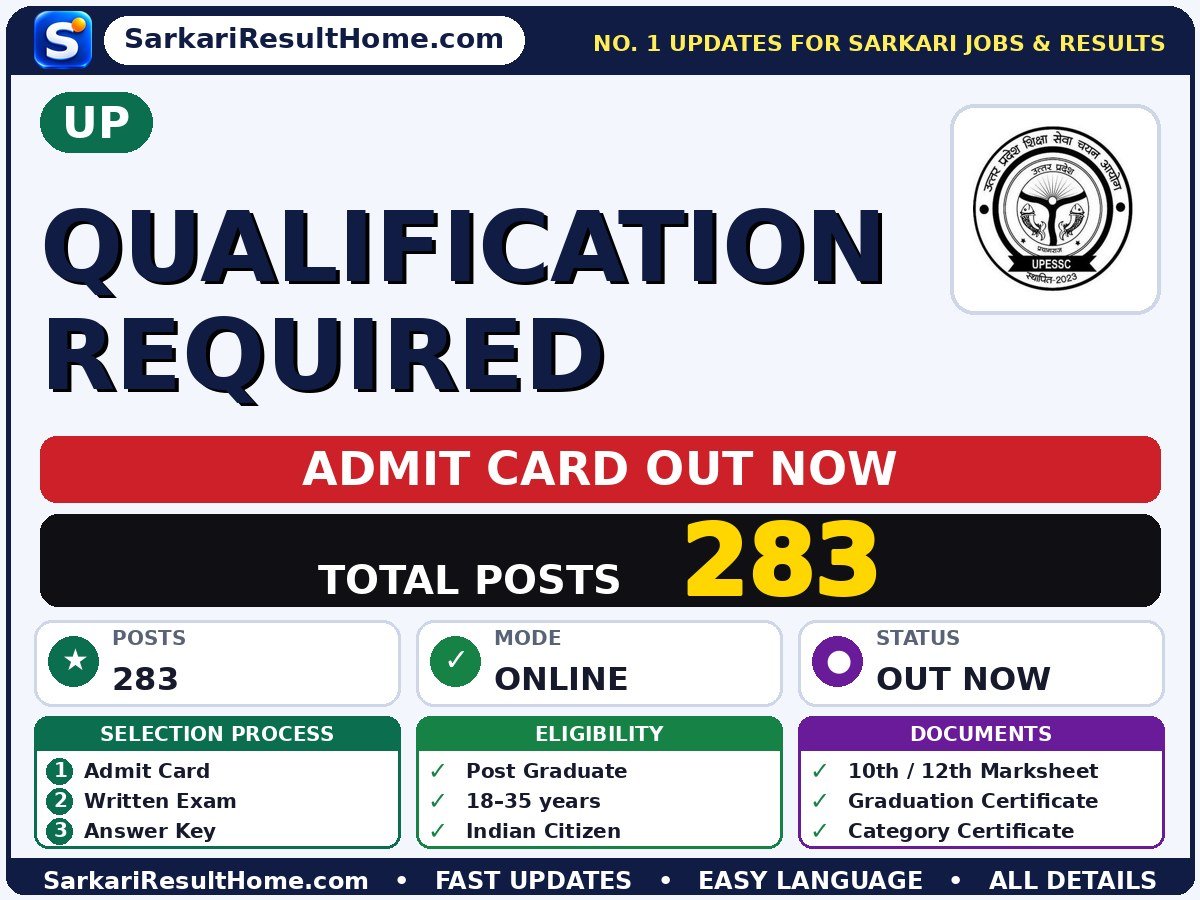
UP has released the admit card on its official website for Qualification Required. Candidates can download it with their registration number and date of birth.
There are 283 vacancies, and the other requirement-wise list is given below. Take a printout and carry a photo ID to the exam centre. The direct link is in the Important Links table below.
You can also see more UP updates on the UP Recruitment page, all admit cards and the home page.
UP Qualification Required Admit Card 2026: Important Dates & Exam Details
| Important Dates | Exam Day Details |
|---|---|
|
|
| Age Limit | Total Vacancies |
|---|---|
| 283total posts |
UP Qualification Required Vacancy 2026: Other Requirement-wise Details
| Other Requirement | Number of Posts |
|---|---|
| Amariya | 42 |
| Barkhera | 21 |
| Bilsanda | 42 |
| Bisalpur | 47 |
| Lalaurikhera | 17 |
| Marauri | 42 |
| Shahar (City) | 13 |
| Puranpur | 59 |
| Total posts | 283 |
After You Download the Admit Card
Sometimes an exam city slip comes first and the admit card follows a few days later. Download both early, because the website slows down on the last day, and keep two printouts ready.
How the Vacancies Are Split
Puranpur is the largest Sarkari Naukri with 59 of the 283 posts (21% of the total). The smallest lot is Shahar (City) with 13 post(s), so competition per seat differs sharply between posts. There are 8 separate post lines; check each one against your qualification instead of applying for the headline number.
How to Download UP Qualification Needed Admit Card
- 1
Open the official site
Visit upanganwadibharti.in.
- 2
Find the admit card link
Open the notice board or admit card section and pick the link for Qualification Needed.
- 3
Sign in
Enter your registration number / roll number and date of birth, then the captcha if asked.
- 4
Check every detail
Verify your name, photo, exam date, shift and centre address.
- 5
Print it
Download the PDF and take at least two clear printouts.
UP Admit Card Download: Login Details and Common Problems
Open upanganwadibharti.in, find the admit card link for Qualification Needed and sign in with your registration number and password or date of birth. Download the PDF and print it on A4 paper.
If the link does not open, try a different browser or device, clear the cache and avoid the peak hours. The organisation often extends the download window.
Details to Check on Your Admit Card
- Your name, roll number, date of birth and category
- Photograph and signature – they should be clear and belong to you
- Exam name, date, shift and reporting time
- Exam centre name and full address
- Instructions and the list of items not allowed inside
- Any space for signature or thumb impression to be filled at the centre
If any detail is wrong or missing, contact the helpline on the admit card at once and keep a screenshot as proof. Do not wait for exam day.
Exam Day Rules and Reporting
Reach the centre well before the reporting time. Gates are usually closed before the exam begins and late candidates are not allowed in.
Keep the bag light. The admit card, a valid photo ID and the permitted stationery are all you usually need; electronic items are often banned.
Exam City Slip and Admit Card: The Difference
Do not confuse the two documents. The exam city slip helps you book tickets, while the admit card is the one that lets you sit for the paper.
If You Cannot Download or Lose the Admit Card
Login problems are usually a wrong date format or a forgotten password. Use the recovery option on the portal or contact the helpline, and keep extra printouts as one may be taken at the exam hall.
Earlier UP Notifications
Earlier UP notifications we have tracked, for comparison. Tap a title to open it, or see all UP updates.
| Update | Type | Posts | Key date |
|---|---|---|---|
| UP Anganwadi Helper, Worker Exam Admit Card 2026 | Admit Card | 428 | 03 Dec 2026 |
| UP Operator, Apprentice Trainee, Temporary Worker and 1 more Admit Card 2026 – Download Link | Admit Card | 120 | 27 Oct 2026 |
| UP Board Exam Admit Card 2026 Out: How to Download | Admit Card | — | 22 Oct 2026 |
Exam Day Checklist
- Visit the exam centre a day earlier if it is in an unfamiliar area.
- Note the reporting time and gate-closing time; late entry is usually refused.
- Keep two printouts and a soft copy; the second printout is often collected at the centre.
- Carry a transparent water bottle and the pen the notice allows, if any.
- Report any mismatch to the helpline shown on the card immediately and save a screenshot.
UP Qualification Required Admit Card: Important Links
| Link | Open |
|---|---|
| Pilibhit Anganwadi Notification PDF | Click Here |
| Official Website — Open | Click Here |
| All UP updates | Open UP Recruitment |
| UP latest jobs | View jobs |
| UP results | View results |
UP Qualification Required Admit Card: Frequently Asked Questions
How can I download the UP Qualification Required admit card?
Open the official website (upanganwadibharti.in), click the admit card link, enter your registration number and date of birth, then download and print it.
What should I take to the exam centre?
Take the printed admit card and one original photo ID. Reach the centre early.
What is the official website for UP Qualification Required?
The official website is upanganwadibharti.in.
Where can I get the latest Sarkari Result updates of UP?
SarkariResultHome.com posts every new update of UP as soon as it is published. Bookmark the site and open it directly to see the newest jobs, admit cards, Sarkari Results and answer keys.
Source and Credit
This post is written from the admit card notice that UP released on its official website upanganwadibharti.in (see also the notice here). We have put the information in our own words and layout. The official website is the final word, so please check it before you apply, pay a fee or travel.
Bookmark SarkariResultHome.com. Every new Sarkari Result, admit card, answer key and Sarkari Naukri update of UP is posted here first. Type sarkariresulthome.com in your browser or add this page to your phone's home screen, and you will not miss the next one.
Browse More Govt Jobs by Category
About SarkariResultHome.com
SarkariResultHome.com is a free website that brings government job news in one place for students and job seekers across India. We publish new recruitment notices, admit cards, results, answer keys, syllabus and admission forms, and we explain each one in simple English with the important dates, fee, age limit, vacancy and direct links to the official websites. Every post is written in our own words after reading the official notice, so you can save time and apply with confidence.
Disclaimer
SarkariResultHome.com is not a government website and is not connected with any government department, board or recruiting body. We try our best to keep every detail correct, but mistakes can happen. Before you apply or pay any fee, please read the official notification on the organisation's own website. We are not responsible for any loss caused by using the information on this page. We never take money for a job, so please do not trust anyone who asks for it.
SarkariResultHome.com is an independent information website. Notices, names and logos belong to the respective organisations.